iPhone 13 Pro Max IMEI Number Changer Software
The iPhone 13 Pro Max IMEI number changer software can be a very useful tool if you have any 13 Apple model that is blacklisted or with an iCloud lock that you can’t solve. Every iPhone 13 model:
- iPhone 13
- Pro
- Pro Max
- Mini
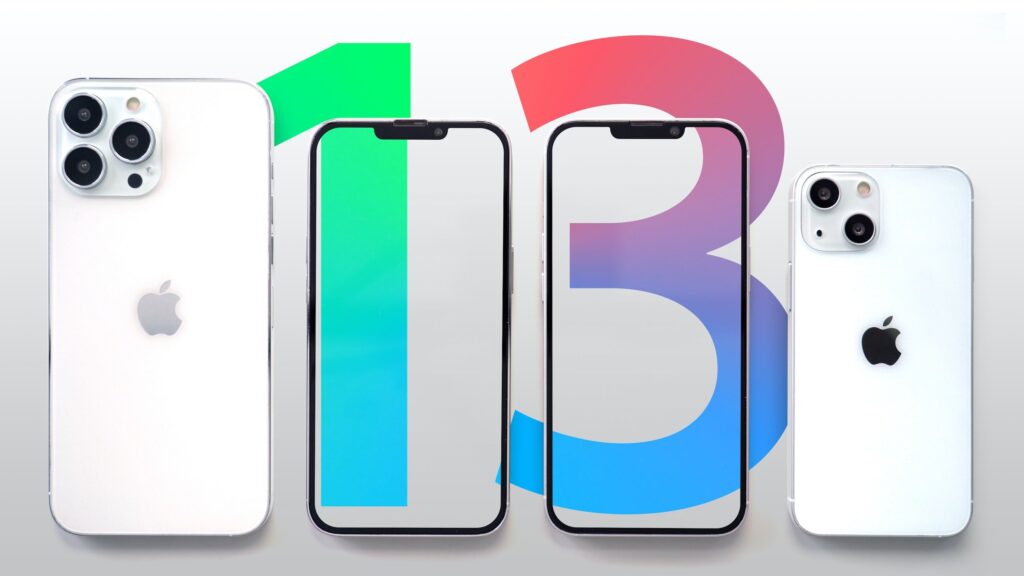
can become unusable, if you have one of the two biggest problems that can occur due to your Apple products experience! Then you are in a funny situation where you have the device in your possession, but you can’t use it. Therefore, we are here to offer you help, just as we help many other iPhone users in the past.
iPhone 13 IMEI Changer
The iPhone 13 IMEI changer software can help you to use your blocked device without any common problems. The software is simple, but it can resolve the biggest problems with iCloud lock and blacklisted problems. The software works on any iPhone 13 model: iPhone 13, iPhone 13 Pro, iPhone 13 Pro Max, and iPhone 13 Mini. Below you can read how any user can get the software and how it can be used in order to remove the problems mentioned above permanently. Once the software writes a new IMEI combination in your device, the problems will become funny as they are!
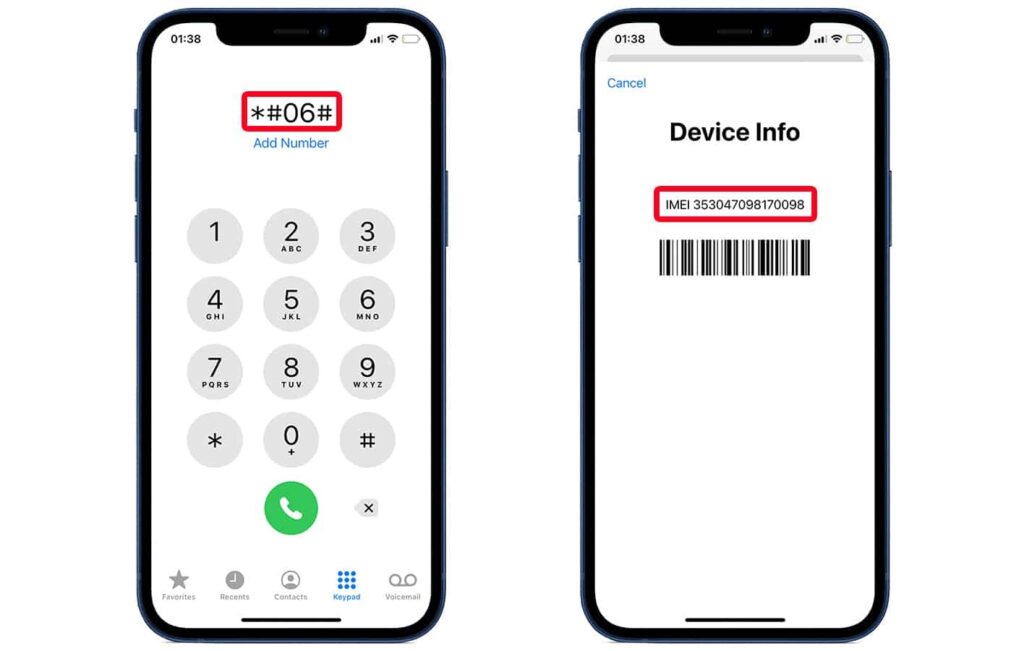
Step 1: Use our contact form or the comments area at the bottom of this page to leave us a request. The request must contain the exact iPhone 13 model and the problem that you want to solve write: iCloud lock or blacklist.
Step 2: Waiting time :)! Probably in the next 24h you will receive the iPhone 13 IMEI number changer in a new mail on the address that you use in step 1.
Step 3: Use the software following the guide below:
- Open the software on any computer.
- Connect your iPhone 13 device with your computer with cable.
- Once the green button at the bottom becaome available click once on it.
- Wait for a while.
- Once you get the iPhone 13 IMEI change confirmation message on the screen discconect your device from the computer.
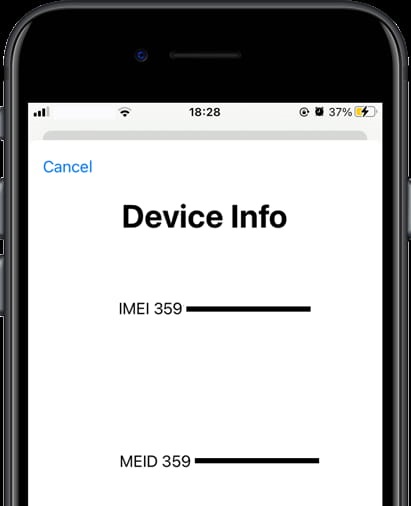
Then you must set new iCloud settings. Please try not to mess with the thing again. If you are not sure what you need to do then find some workable guide on the internet. If you use the changing IMEI software just to remove the device from the blacklist then you are good to go. You will use the device in the future without any specific problem that is in relation to the well-known blacklist problems!